

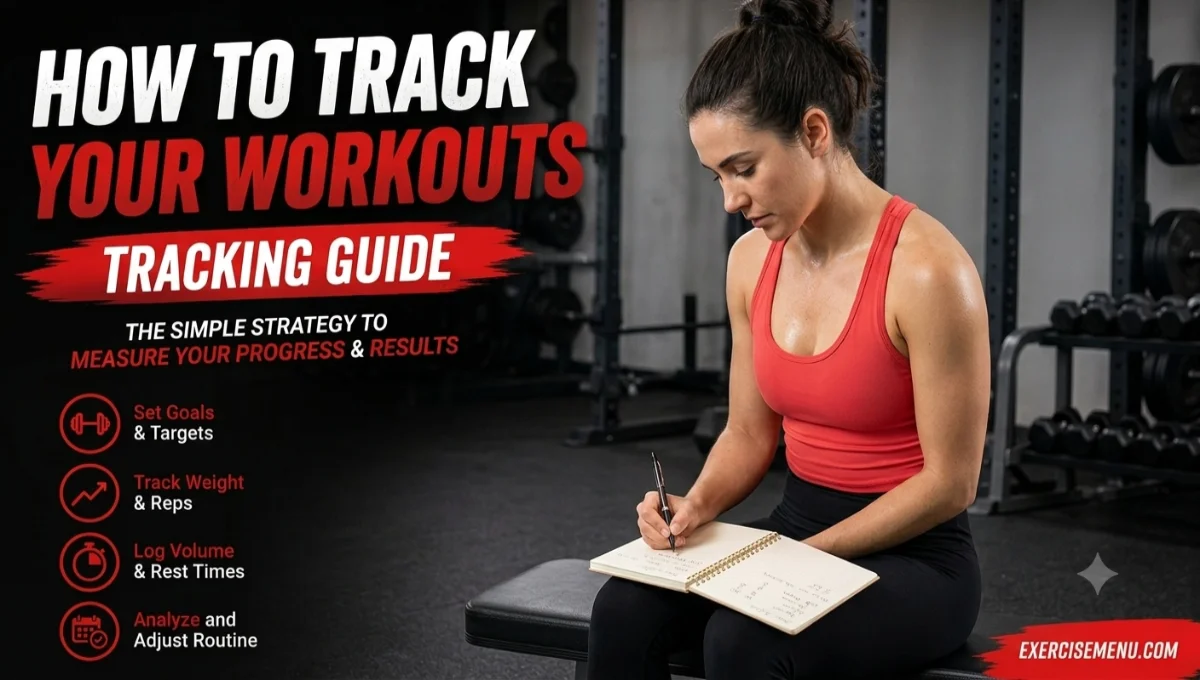
Quick Answer: Track four things every session: exercise name, sets, reps, and weight used. Use a notebook or app — whichever you’ll open consistently. Review your log weekly to catch stalled progress early and adjust your next session.
Most people who track their workouts are collecting data they never look at. They log every set, every meal, every heart rate spike — then open the app next week and start from scratch like the data doesn’t exist.
Tracking without a purpose is where most people go wrong. A well-structured workout only improves over time if you know what changed, what stalled, and what needs adjusting. Your workout log makes those decisions possible — but only if you log the right things and actually use what you’ve logged.
Quick Reference Table: What to Track by Goal
| Your Goal | Track These | Skip These |
|---|---|---|
| Muscle growth | Sets, reps, weight, RPE, body weight (weekly) | Calories burned, step count, heart rate |
| Fat loss | Sets, reps, weight, body weight (weekly), progress photos (monthly) | Daily scale weight, heart rate zones during lifting |
| Strength | Sets, reps, weight, rest periods, RPE | Calories burned, tempo |
| General fitness | Sets, reps, weight, session duration | Everything else |
What Should You Log in Every Workout?
Four things: the exercise you did, how many sets you completed, how many reps per set, and the weight you used. That’s enough to track progressive overload — which is the only reason tracking matters in the first place.
A log entry for a single exercise looks like this:
| Exercise | Sets × Reps | Weight | RPE |
|---|---|---|---|
| Barbell Squat | 3 × 10 | 185 lb | 8 |
| Romanian Deadlift | 3 × 12 | 135 lb | 7 |
| Leg Press | 3 × 15 | 270 lb | 8 |
That table takes 30 seconds to fill out between sets. It gives you everything you need to compare this session to last week and decide whether to add weight, add reps, or hold steady.
When Should You Log More Than the Basics?
Add RPE (rate of perceived exertion, on a 1–10 scale) once you’ve been tracking the four basics for at least a month. RPE captures how hard a set felt — which matters because 3 × 10 at 185 pounds on a well-rested Monday feels different than the same weight on a sleep-deprived Thursday. The weight and reps look identical in your log, but the effort behind them isn’t even close. RPE fills that gap.
If you’re progressing through tempo or rest period changes rather than adding weight, log those too. Write tempo as three numbers (like 3-1-1 for a 3-second lower, 1-second pause, 1-second lift) and rest in seconds. Without logging these, you can’t confirm whether you actually shortened rest or just felt like you did.
Should You Track Body Weight?
Yes — but once a week, same day, same time, before eating. Daily weigh-ins create noise. A 2025 study published in the journal Obesity (Burke et al.) found that consistent self-monitoring of weight alongside physical activity was linked to better long-term outcomes — but the key word is consistent, not obsessive. Weekly gives you the trend without the anxiety.
If tracking body weight triggers negative thoughts about your body, skip it entirely. Progress photos taken once a month under the same lighting and angles capture body composition changes that a scale never will.
Should You Use a Notebook or an App?
Both produce the same results. The difference is convenience, not effectiveness.
A notebook works well if you prefer writing by hand, don’t want your phone in the gym, or like the simplicity of pen and paper. James Clear — author of Atomic Habits — tracks his workouts with a basic notebook using tally marks for completed sets. His argument: the simpler the system, the more likely you are to use it. That logic holds up.
An app works well if you want automatic volume calculations, historical charts, or the ability to search past workouts by exercise. Apps like Strong, Hevy, JEFIT, and Fitbod all handle this. Most offer free versions that cover everything a beginner needs.
The Real Question: Which Will You Actually Use?
Pick whichever system you’ll open before every session and fill in before you leave the gym. A $3 notebook you use five days a week beats a $10/month app you open twice and forget. Tracking only works when it becomes part of the session, not something you do after.
One practical tip: if you choose a notebook, photograph each page at the end of the week. Notebooks get lost, wet, or torn. A phone photo takes two seconds and creates a backup you can reference months later.
What Should You Stop Tracking?
A 2024 scoping review published in the Journal of Medical Internet Research found that 69% of fitness app users abandon the app within 90 days of downloading it. The review analyzed 18 studies covering over 525,000 participants and identified complexity as a leading driver — users get overwhelmed by dashboards and metrics that don’t change how they actually train.
Here’s what you can cut without losing anything useful:
Calories burned during lifting. Every app and wearable overestimates this number. A heart rate spike during a heavy squat doesn’t mean you burned 400 calories. Calorie estimates from strength training are unreliable enough that basing nutrition decisions on them creates more problems than it solves.
Heart rate zones during strength training. Heart rate monitoring matters for endurance and cardio work. During resistance training, heart rate reflects cardiovascular demand, not muscular effort. Heavy deadlifts spike your heart rate, but that spike doesn’t tell you whether the set drove muscle growth — it tells you your cardiovascular system was working hard, which isn’t the same thing.
Daily step count on training days. Steps matter for general health and NEAT (non-exercise activity thermogenesis). But logging steps alongside your squat numbers clutters the workout log with data from a different category. Track steps separately if you want to — don’t mix them into your lifting log.
Mood journaling for every session. Logging your mood before and after every workout adds friction without changing behavior for most people. If you notice a pattern — consistently bad sessions on certain days — note it once. You don’t need a mood diary to figure out that training after a 4-hour sleep doesn’t go well.
If a metric doesn’t change what you do in your next session, drop it from your log.
How Do You Review Your Log and Make Decisions?
A workout log that you never review is a diary, not a training tool. Set aside five minutes every Sunday — or whatever day falls before your next training week — and compare this week’s numbers to last week’s.
You’re looking for three things:
1. Did any number go up? More reps at the same weight, more weight at the same reps, or a lower RPE at the same load. Any of these means you progressed. Keep doing what you’re doing for that exercise.
2. Did anything stay flat for three weeks? Same weight, same reps, same RPE for three consecutive sessions. That’s a plateau. You have three options: increase the weight by the smallest increment available, add one set, or swap the exercise for a variation that challenges the same muscle group differently.
3. Did any number drop? Fewer reps at the same weight, or the same reps at a higher RPE. One bad session means nothing — sleep, stress, and nutrition all fluctuate. Two consecutive drops on the same exercise signals that you either need a deload week or you’ve accumulated junk volume — more sets than your body can recover from.
A 2017 meta-analysis by Schoenfeld et al. published in the Journal of Sports Sciences found that weekly training volume — total sets per muscle group — was the primary driver of muscle growth. Your log is the only place that number lives. Without it, you’re guessing whether you did 10 sets for chest this week or 16.
Frequently Asked Questions
Should you log warm-up sets or only working sets?
Only working sets. Warm-up sets prepare your joints and nervous system but don’t contribute to your training volume. Including them inflates your set count and gives a false picture of how much productive work you actually did.
How long does it take to log a full workout?
Under five minutes total if you write between rest periods. Most entries take 10–15 seconds per exercise. Log the set immediately after completing it — waiting until the end of the session introduces memory errors.
Can you track workouts in your phone’s Notes app?
Yes. A basic Notes entry with exercise names and numbers works. The downside is no automatic volume tracking, no historical graphs, and harder comparison between weeks. For the first few months, it’s fine. If you outgrow it, move to a dedicated app.
Do you need to track cardio sessions the same way?
Track cardio separately from lifting. For cardio, log duration, type (run/bike/row), and distance or average pace. Mixing cardio and lifting data in the same log makes weekly review harder because the metrics don’t overlap.
What if you forget to log a session?
Write down what you remember as soon as possible. Even an estimate (roughly 3 × 10 at around 135) is better than a blank entry. A gap in your log makes the next session harder to plan because you don’t know where you left off.
Should beginners track differently than advanced lifters?
Beginners only need the four basics — exercise, sets, reps, weight. Advanced lifters add RPE, tempo, and rest periods because their progression happens through smaller, harder-to-see changes. As you train longer, you need more data points to figure out why one session felt harder than the last.

2 Comments
Pingback: How to Calculate Your 1RM (One Rep Max Calculator + Formula)
Pingback: Exercise and Stress: How Training Protects Your Mental Health, and Where It Stops